

Mobile App
Download the St. Giri School App
Homework, attendance, fees, exams, notices, and school life — all in one place, made for St. Giri students and parents. Now available on Google Play.
Android only
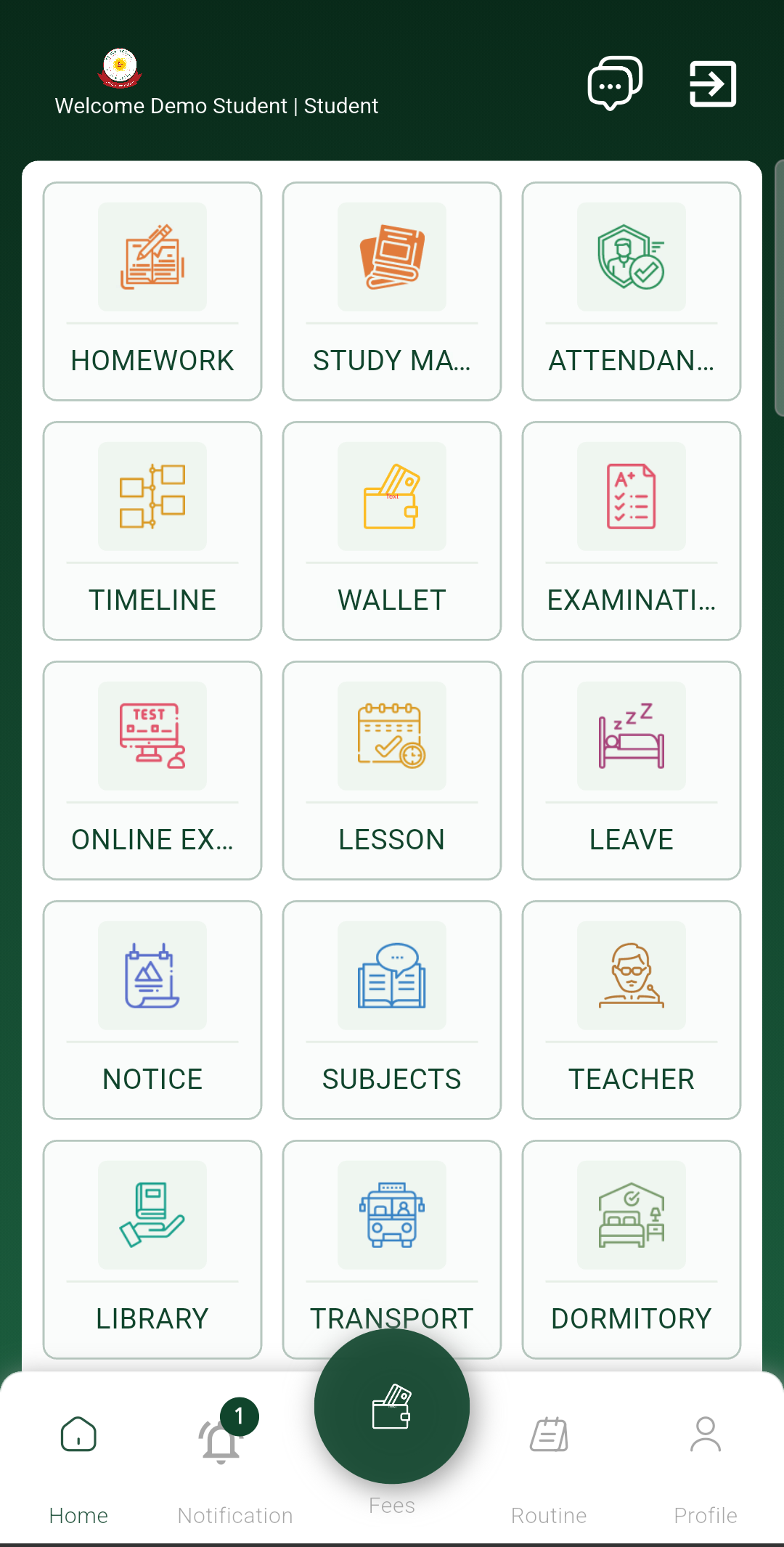
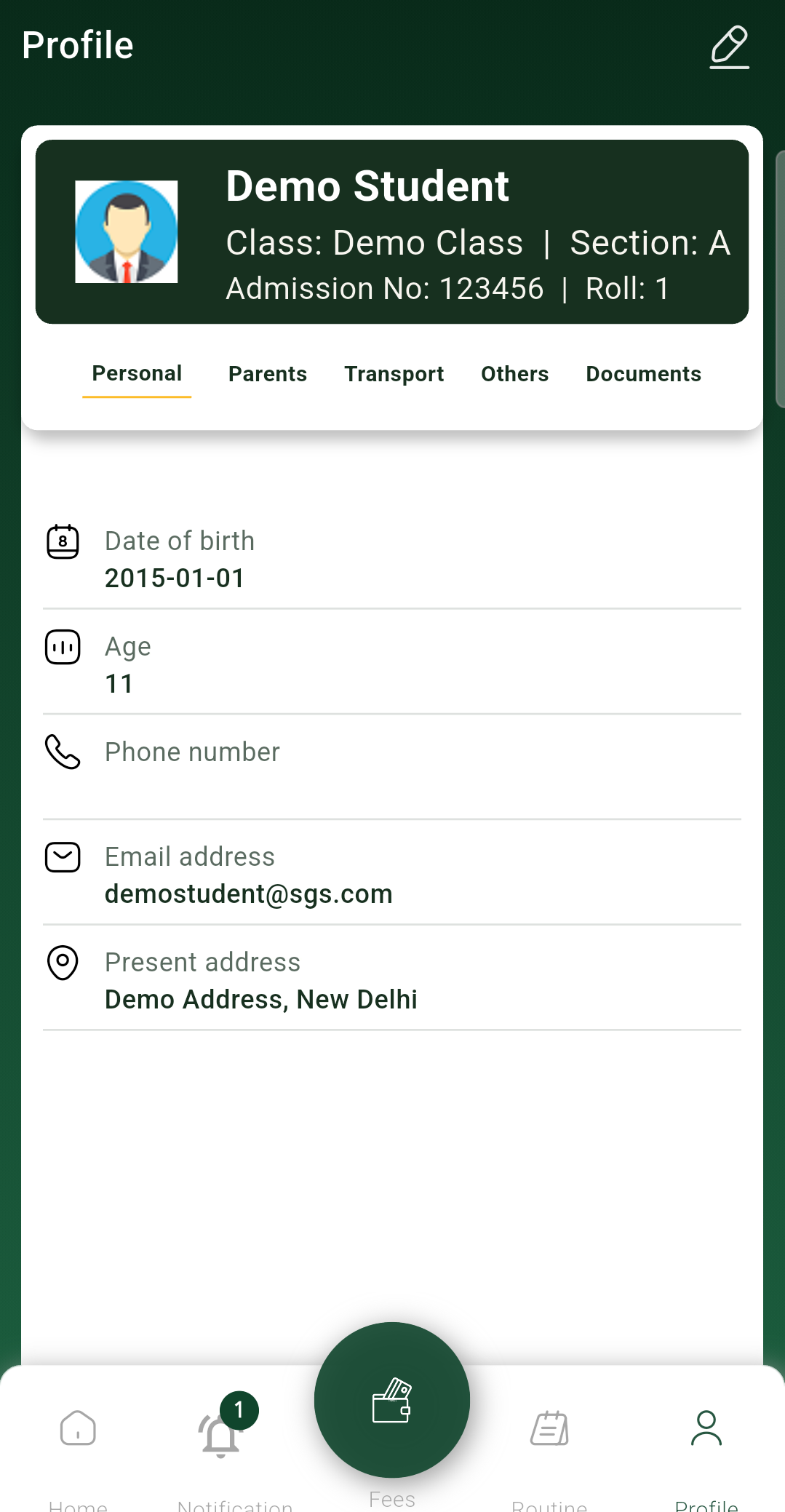
Prefer the direct APK?
Installing without the Play Store
The easiest way to get the app is Get it on Play Store above. If you'd rather install the APK directly, your browser and phone will show a couple of standard safety warnings — here's how to get past them safely.
These warnings are expected and appear for any app installed outside the Play Store. Only install this app from st.giri's official website to make sure you get the genuine file.
- 1
Tap Download Now
Open this page on your Android phone and tap the Download Now button above. The file stgirischool.apk will start downloading to your phone.
- 2
Allow the browser download
Your browser may warn that the file type can be harmful. This is a standard warning for files downloaded outside the Play Store — tap Download anyway / Keep to continue.
- 3
Open the downloaded file
Once the download finishes, open it from your notification bar or your phone's Downloads app/folder.
- 4
Allow installs from this source
Android will block the install the first time with a message like "For your security, your phone is not allowed to install unknown apps from this source." Tap Settings on that screen, turn on Allow from this source, then go back and tap Install.
- 5
Install and open
Tap Install, wait a few seconds, then tap Open to start using the St. Giri School app.
Browser warning
Chrome may say "This file can harm your device" or show a red warning banner. This is normal for APK downloads from outside the Play Store — choose Download anyway.
Phone warning
Android may block the install with "Install blocked" or "Unknown apps". Tap Settings on that prompt and allow installs from your browser, then try installing again.
Having trouble installing the app? Contact the school office at st.giriokhla@gmail.com or call +91 8826308037.